

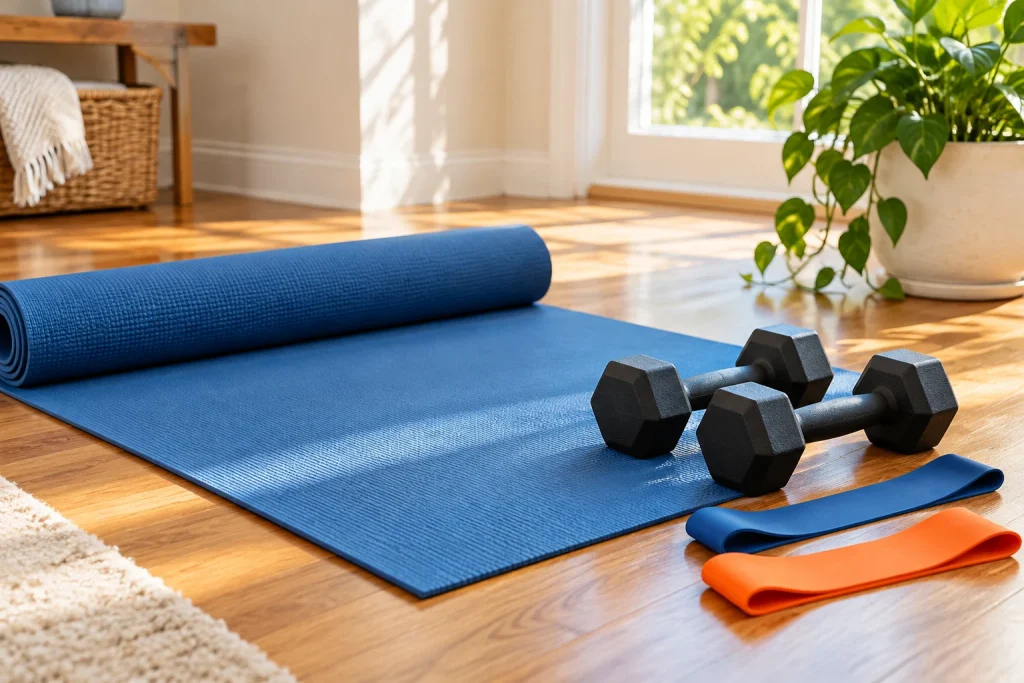
A countdown is a poor moment to discover that the phone is silent or the chair is in the way. Before a timed session, spend a little attention on the setup. You can then use the timer as a cue instead of repeatedly stopping to solve avoidable problems. This preparation supports a routine you have already chosen; it does not decide what exercise you should do.
Check the sequence before pressing start
Read the phase names and their durations from beginning to end. Confirm whether the timer includes preparation, work, rest and a finish phase. Some presets repeat an entire block while others repeat only the central work and rest pair. A familiar label such as “intervals” does not guarantee that two timers behave the same way.
Calculate the expected total or inspect the app’s preview. Include transitions and any longer break between rounds. If the total is longer than your available appointment, adjust the schedule or choose a different routine. Do not remove recovery or preparation from instructions you have been given simply to make the arithmetic fit.
Put the device where you can use it
Choose a stable position where the screen is readable and the device will not be knocked over. Keep it out of the movement area and away from water. Check that you can pause without rushing across the room. If you need sound cues, test them at a suitable volume before beginning.
Browsers and phones can limit sound or suspend pages in the background. Keep the timer visible when you rely on its cues and check the behavior on your own device. A test with one short phase can reveal a silent speaker or an unexpected screen lock before the actual session begins. The app is a timing aid, not a safety monitor.
Inspect the space in use
Move loose items from the route you will use and allow the space required by your existing instructions and equipment manuals. Consider doors that may open and people who may enter. If the room is shared, agree on the period you plan to use it rather than assuming nobody will walk through.
Lay out equipment only when you know how it will be used. Bands, weights and mats have different care and inspection requirements. Follow the relevant manufacturer’s guidance and do not use damaged items. A timer continuing to run is never a reason to ignore a problem with the setup.
Keep preparation distinct from the main activity
A preparation phase in software is merely a duration and a label. It is not automatically a complete warm-up. Use the warm-up and exercise guidance appropriate to your chosen activity and circumstances. If your routine has specific instructions, preserve them instead of substituting a generic countdown.
You may want a separate transition between putting the equipment in place and beginning the routine. Label that transition honestly, such as “get into position,” so you do not confuse it with an exercise or a required warm-up. This small naming decision makes saved presets easier to understand later.
Leave a graceful way to stop
Know where pause, skip and reset are before starting. Test the controls while the stakes are low. If you need to stop, stop; completing a timer is not the goal at any cost. Afterward, save the preset only if its labels and timing accurately describe the routine you intend to repeat. Good setup makes a tool less distracting and leaves your attention available for the activity itself.
Open Interval Timer to organise your own inputs and keep an editable project.