

Sometimes an exercise description contains words you recognize without giving you enough information to perform it confidently. You may understand the name but not the starting position, the equipment adjustment or the variation intended for you. A useful response is to collect the questions, then ask someone qualified to answer them. Guessing from a short caption can leave the most important detail unresolved.
Identify the exact instruction
Keep the original exercise name, source and any variation label together. “Row” can describe several different setups. A machine model, attachment or body position may change what the instruction means. If you are following a program from a professional, refer to the exact entry rather than substituting a similar-looking video with a different name.
Record where you became uncertain. Was it before starting, while changing the equipment or when deciding when to stop? A specific question is easier to answer than “Am I doing this right?” It also helps the person advising you see which part of their explanation needs more detail.
Separate setup questions from movement questions
Setup questions concern the equipment and environment: which adjustment to use, where an attachment belongs or how to secure a component according to its manual. Movement questions concern the action itself and its suitability for you. Both matter, but they may require different sources of help.
Gym staff can often explain a particular machine’s controls. A qualified exercise professional can help with instruction appropriate to your circumstances. Health concerns, pain or an injury may require a healthcare professional. A browser app or a generic product review cannot inspect your situation or determine the cause of a symptom.
Bring a short, usable list
Write the questions in everyday language. Examples include “Which version of this movement did you intend?”, “What should I check before starting?” and “What should make me stop and ask for help?” Avoid adding answers you have not verified. The list is a way to prepare a conversation, not to manufacture confidence from incomplete information.
If you want to use a photo or video of yourself, ask about consent, privacy and the best way to share it with the person advising you. Do not upload personal footage into an unrelated tool merely because it accepts files. You can usually begin with a written description of the question.
Keep the answer attached to its context
After receiving advice, note who provided it and which equipment or variation it applies to. A correction for one setup may not apply to another. Preserve any limits or conditions that came with the instruction. If the explanation is still difficult to follow, ask for a demonstration or another explanation rather than shortening it until it loses meaning.
Do not turn one person’s instruction into a universal rule for friends or an online audience. Your notes are for the situation discussed. Likewise, a manufacturer’s exercise illustration describes an intended product use; it is not a personalized assessment of your technique or training needs.
Review what remains unanswered
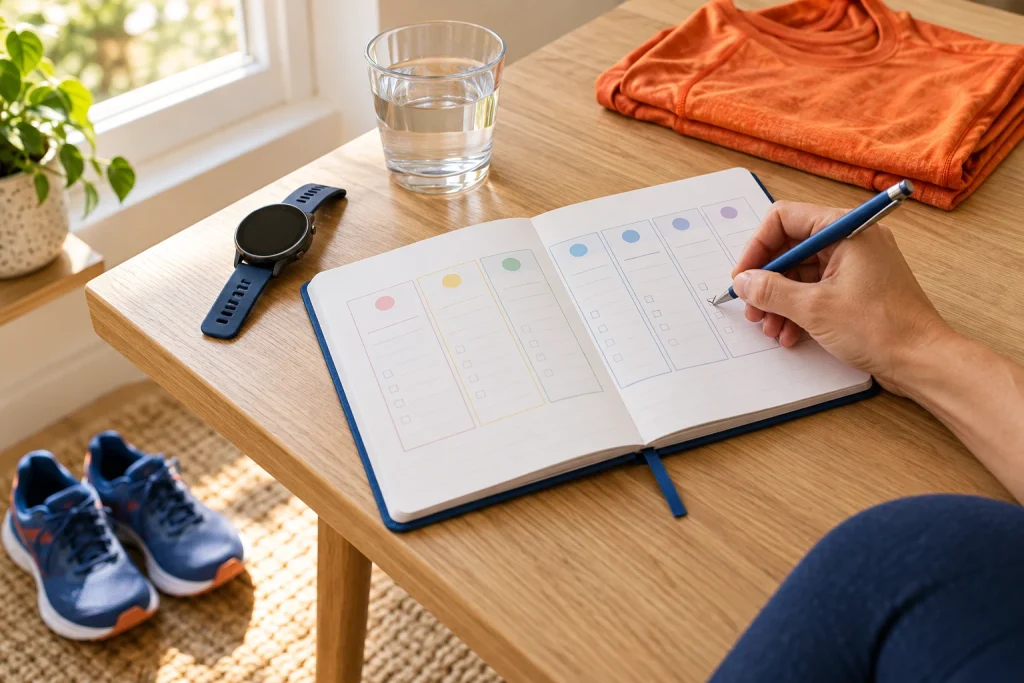
The Routine & Recovery Journal can hold a brief note or reminder to ask about an instruction. Keep the entry factual and avoid treating repeated notes as a diagnosis. Once the question has been answered, update the note so you do not keep working from an older assumption. Knowing what you still need to ask is a useful part of learning, not evidence that you are behind.
Open Routine Journal to organise your own inputs and keep an editable project.