

You may already have a short mobility routine from a class or a qualified professional, yet struggle to remember it during the week. The missing piece may be a convenient place and a realistic appointment. Organizing a routine is different from choosing exercises. This guide focuses on the former: making instructions you already understand easier to follow without turning them into a new program.
Keep the original instructions nearby
Use the names and sequence supplied with your routine. If a movement has specific limits or adaptations, keep those notes attached rather than replacing them with a vague label such as “stretching.” A timer or calendar can hold the appointment, but it cannot infer the intended technique from a short exercise name.
If you do not understand an instruction, ask the person who provided it before using it. Copying a movement from a stranger’s routine because it looks simple is not the same as knowing whether it suits you. In particular, do not use an organizational app to decide how to manage pain or an injury.
Choose a place that needs little preparation
Look for a suitable location where you can follow your existing instructions without moving a room full of furniture. Consider the floor, nearby objects, other people and pets. Keep required items accessible, but put them away where they will not become obstacles afterward. The aim is to reduce setup, not to squeeze a movement into a space that does not suit it.
A familiar mat or a small storage basket may help if those things are part of the routine. Buying more equipment is optional. First notice which preparation step repeatedly delays you. Sometimes keeping the instructions with the equipment solves the actual problem without adding anything new.
Attach the appointment to a real transition
Choose a point in your day that already has a beginning or an end: finishing work, returning from a walk or preparing for an evening at home. Avoid assigning the routine to a time that is regularly occupied by another commitment. A calendar reminder works best when it points to an appointment you can actually keep.
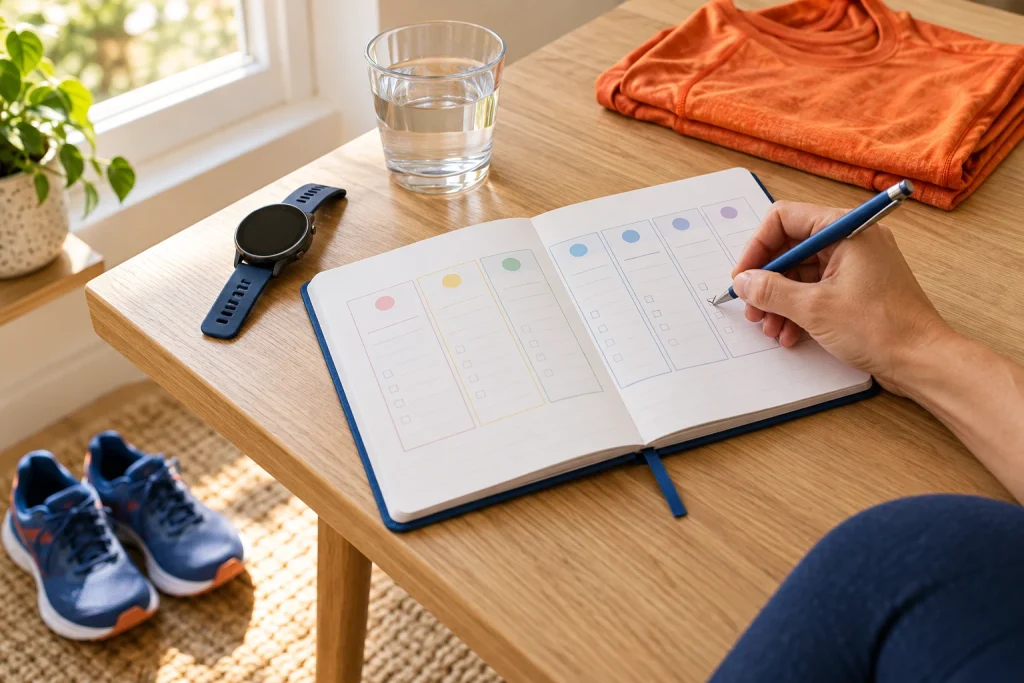
In a fictional example, Priya places her familiar routine after she changes out of work clothes. The clothes change is reliable; “sometime in the evening” is not. She records the appointment in her weekly planner and leaves the exercise instructions unchanged. If the timing repeatedly fails, she moves the appointment rather than inventing a more demanding routine.
Let the record stay simple
A completed, skipped or moved appointment may be all you need to record. You can add a short logistical note if it will help, such as “room occupied” or “instructions left in bag.” Avoid assigning a health score to the entry. The calendar cannot assess whether a movement was performed correctly or whether it had a therapeutic effect.
Keep observations about symptoms separate from claims about what caused them. If something worries you, seek appropriate advice. The purpose of the record is to preserve what happened and make the routine easier to organize, not to produce a diagnosis from a pattern of checkmarks.
Review the setup after a week
Ask which part required the most effort to arrange. Adjust that part first. You might move the reminder, simplify storage or place the instructions somewhere easier to find. Keep changes to technique or exercise selection with the person qualified to advise on them. A well-organized routine should feel easier to access, not harder to live up to.
Open Training Week to organise your own inputs and keep an editable project.